Edits like a document
Click any line to change it, and only that line is written again.
- Select many at once
- Undo anything, every version kept
- Share it to view or edit
A full editor where every word is real handwriting, on a new page or on top of any PDF.
Click any line to change it, and only that line is written again.
Ask for a page, a change or a whole notebook in your own words. It reads your files, works it out and writes every line.
Built in, from neat print to quick cursive, and each one yours to tune: size, spacing, neatness and pen.
Write on your iPad and Scriven learns your hand as you go.
Ruled, college, graph, dots, legal pad, engineering or blank, in white, cream or grey.
Equations, fractions and matrices; graphs, circuits, mechanisms and labelled sketches, all by hand.
Handouts, forms and cards, or a photo of a page. It finds the blanks, boxes and tables and writes where things go.
Any colour, a ballpoint or a pencil, at any size and spacing.
Paste or drop a picture; crop it, turn it, frame it, and the writing flows around it.
Any block can be type instead of handwriting.
Pen or pencil, scan app, colour, greyscale or flatbed; both sides, punched or stapled.
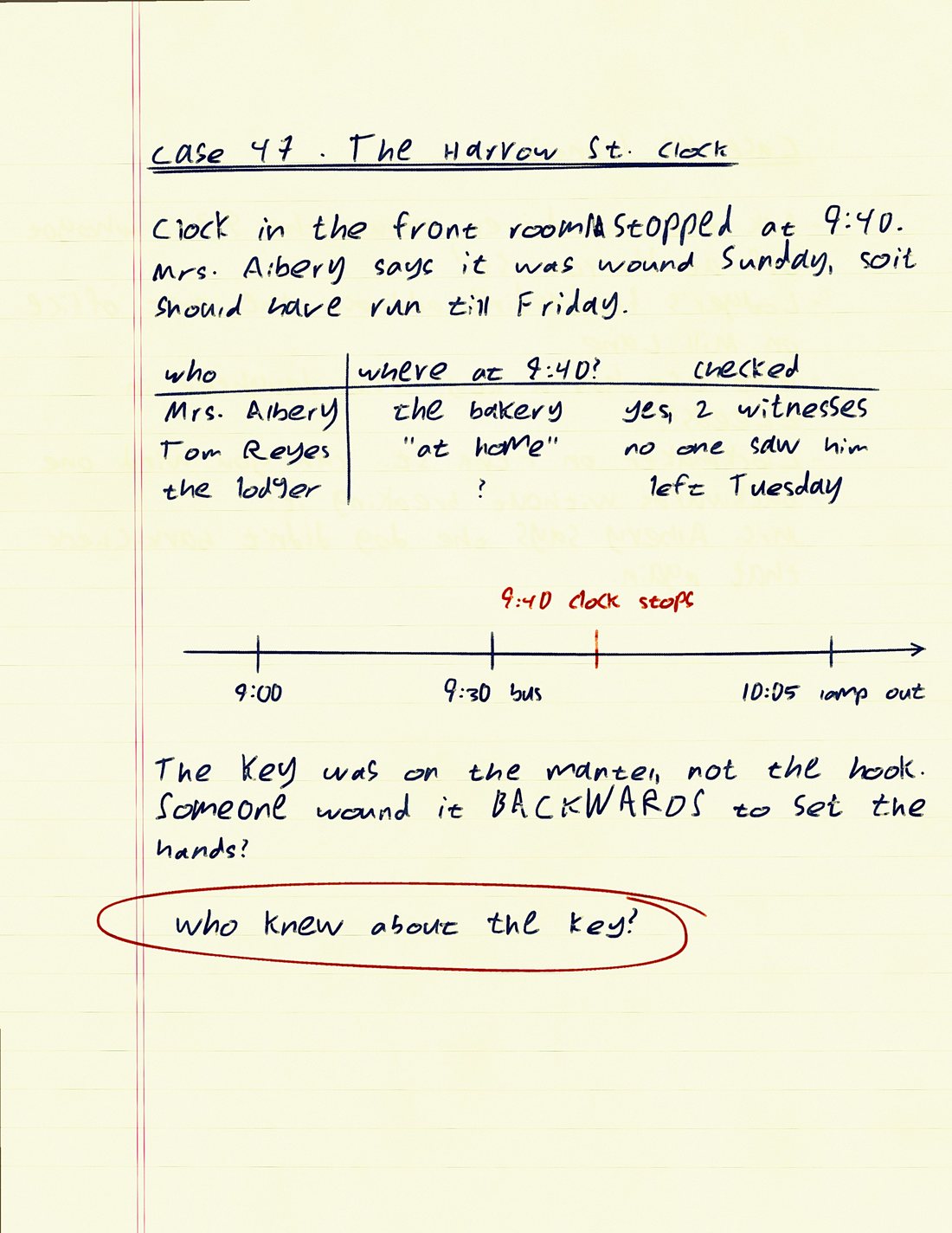
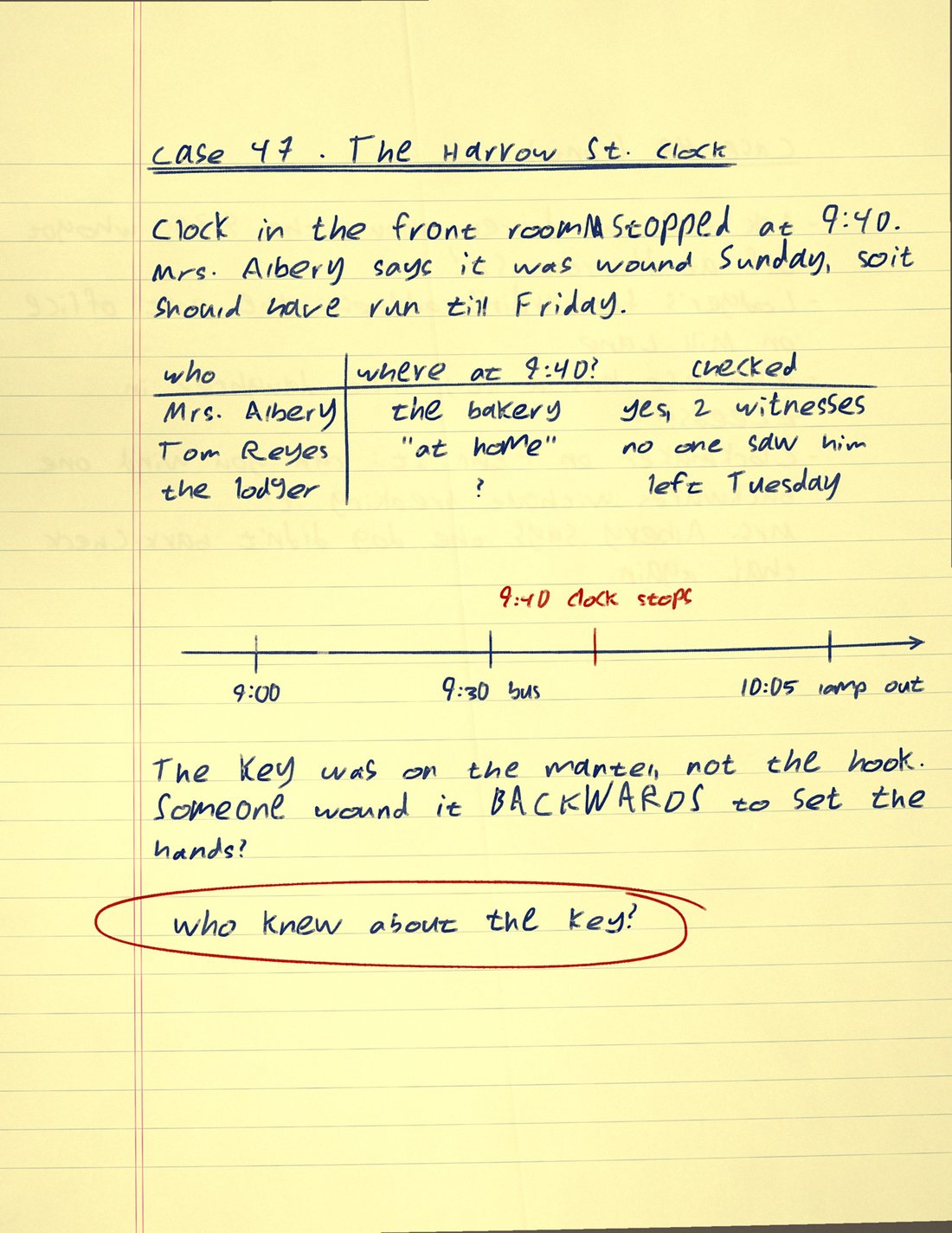
A PDF for any app, ink you can erase in PDF editors, or a picture of each page.
Claude, ChatGPT, Cursor and Codex can write in Scriven for you.
Ruled, graph, dots, a legal pad or a blank card. Any colour, pen or pencil.
Blank paper, any PDF, or a photo of a page.
Scriven writes every line. Click one to change it.
Print it, open it on your iPad, or download it as a scan.
