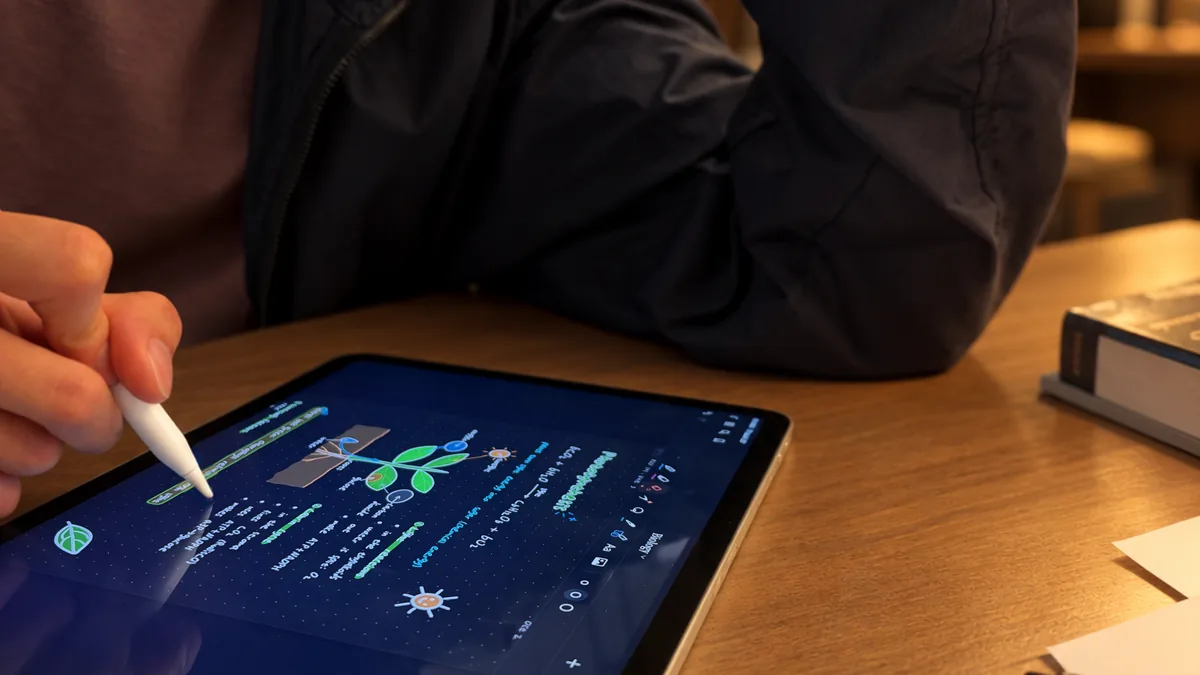
Circle it.
Circle anything with the Magic pen and write what you want. Here a sketch becomes free-body diagrams, drawn by hand on your page.
Or just write =.
Write = at the end of an equation. Scriven plugs in the values from your page and solves it, units included.
Say it.
Hold Talk and ask. Scriven marks up your own ink, and Keep or Undo decides.
A question, not the answer.
Work it by hand. Scriven stays quiet while you’re right, and a ? lands beside the first line that slips.
Record it.
Tap Record with Live Notes and the notes are written as it’s said, laid out as they go.
Your class, beside your notes.
Open a textbook beside the page and lift a figure across. It lands tied to where it came from.
In your handwriting.
Scriven learns your hand as you write, and writes more like you the more you do.
Circle it.
Circle anything with the Magic pen and write what you want. Here a sketch becomes free-body diagrams, drawn by hand on your page.
Or just write =.
Write = at the end of an equation. Scriven plugs in the values from your page and solves it, units included.
Say it.
Hold Talk and ask. Scriven marks up your own ink, and Keep or Undo decides.
Highlight what’s given and box the answer.
A question, not the answer.
Work it by hand. Scriven stays quiet while you’re right, and a ? lands beside the first line that slips.
Record it.
Tap Record with Live Notes and the notes are written as it’s said, laid out as they go.
Your class, beside your notes.
Open a textbook beside the page and lift a figure across. It lands tied to where it came from.
In your handwriting.
Scriven learns your hand as you write, and writes more like you the more you do.
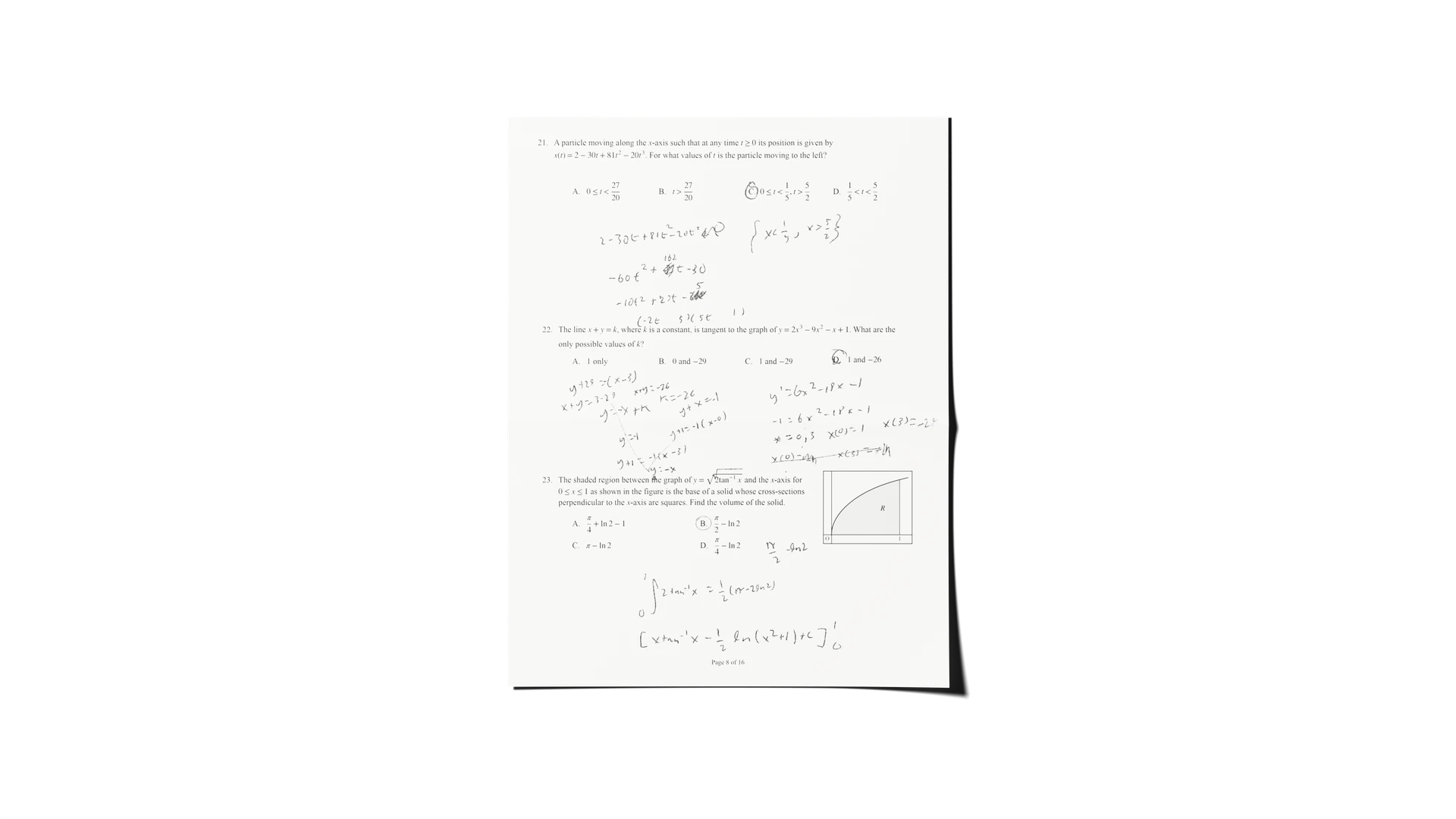
Your paper notes, as ink.
Scan a page and every line comes in as ink you can move, recolour and ask about.
Bring your own AI.
Add Scriven to Claude or ChatGPT. It sees the page you’re on, and writes on it in your notebook’s handwriting.

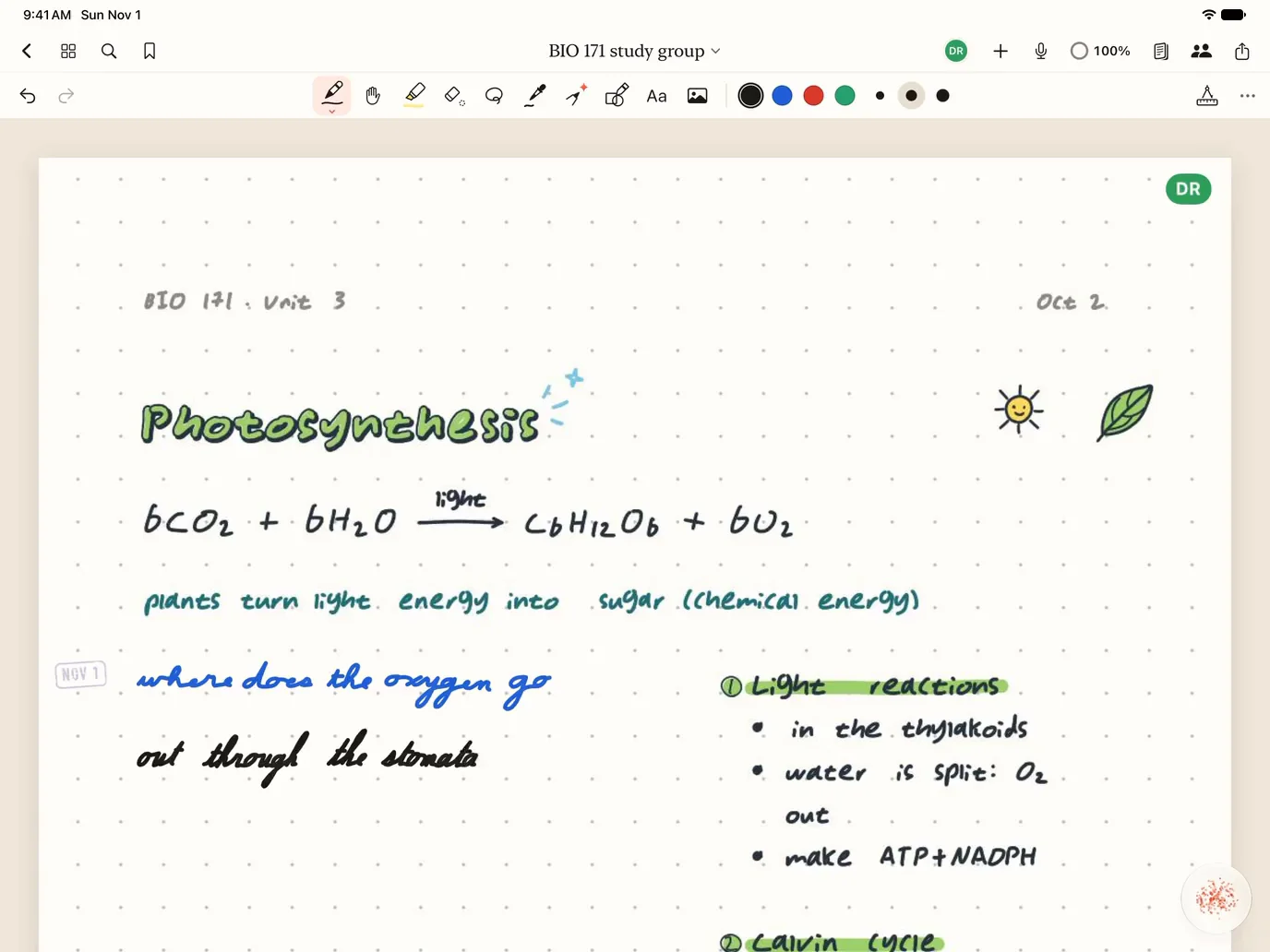
It’s a notebook first.
Pens, papers, templates, PDFs, recordings and search. Free, with no limits.
Any paper, any colour, any size. Templates for planners, music and storyboards too.
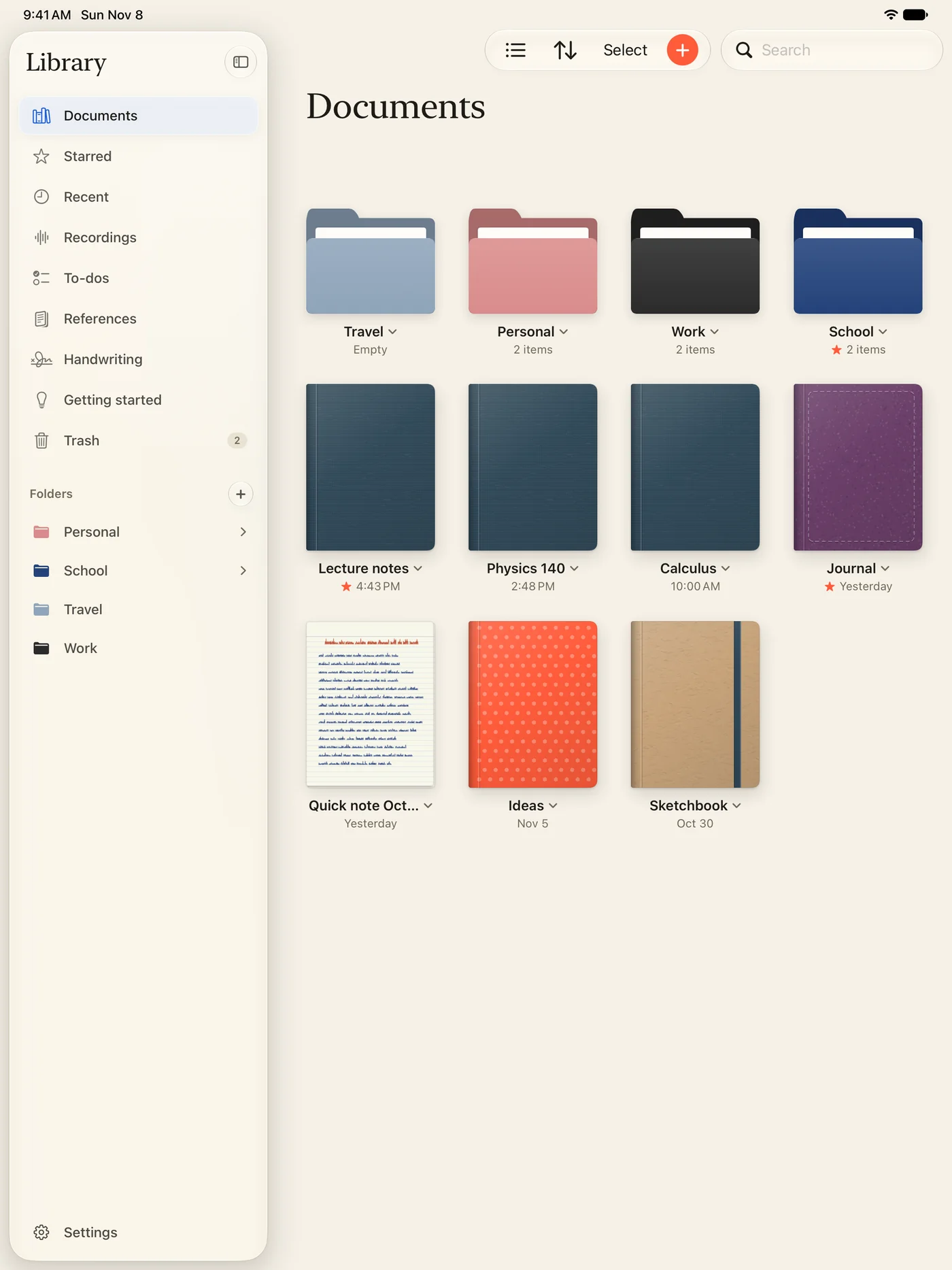
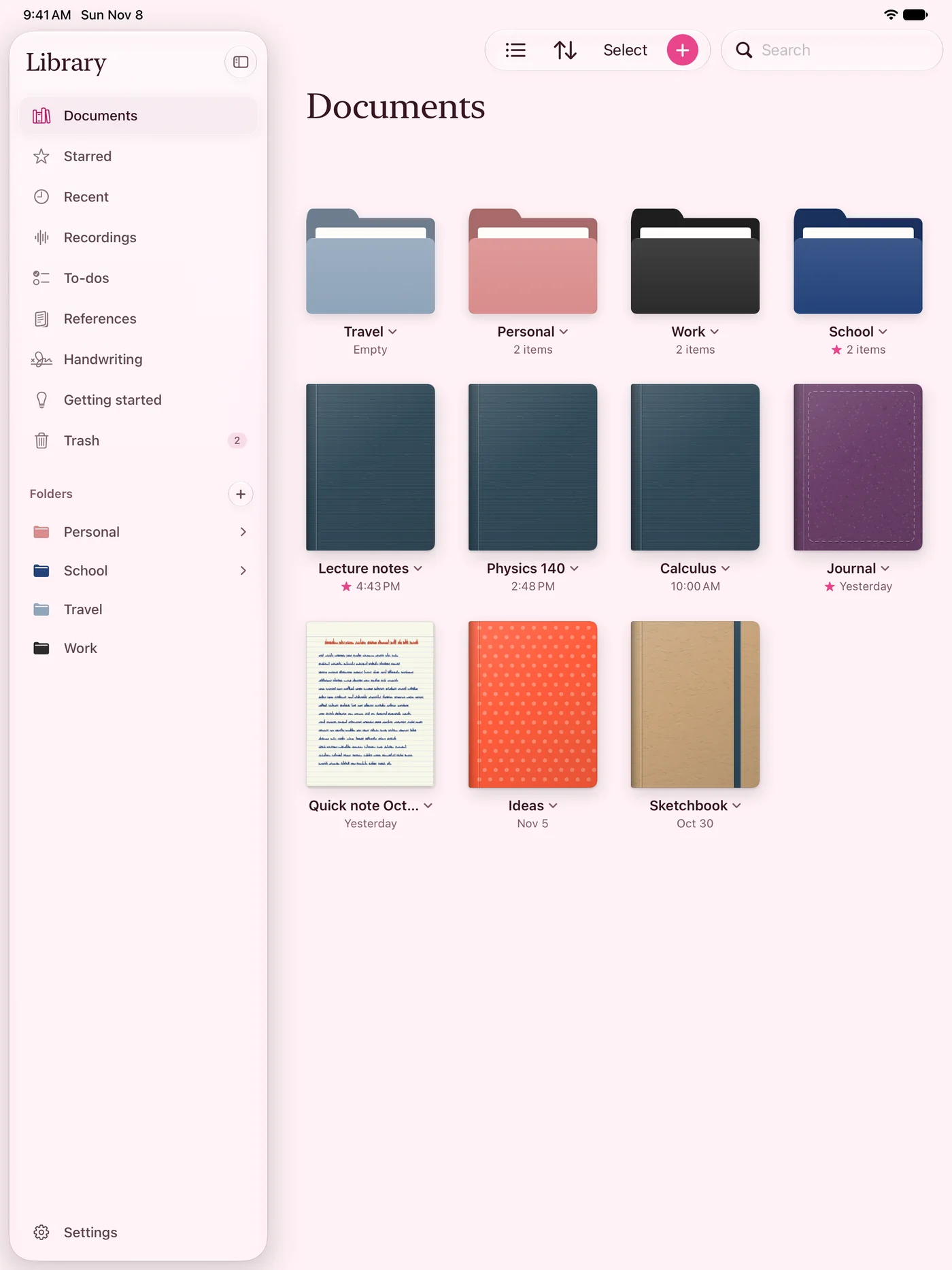
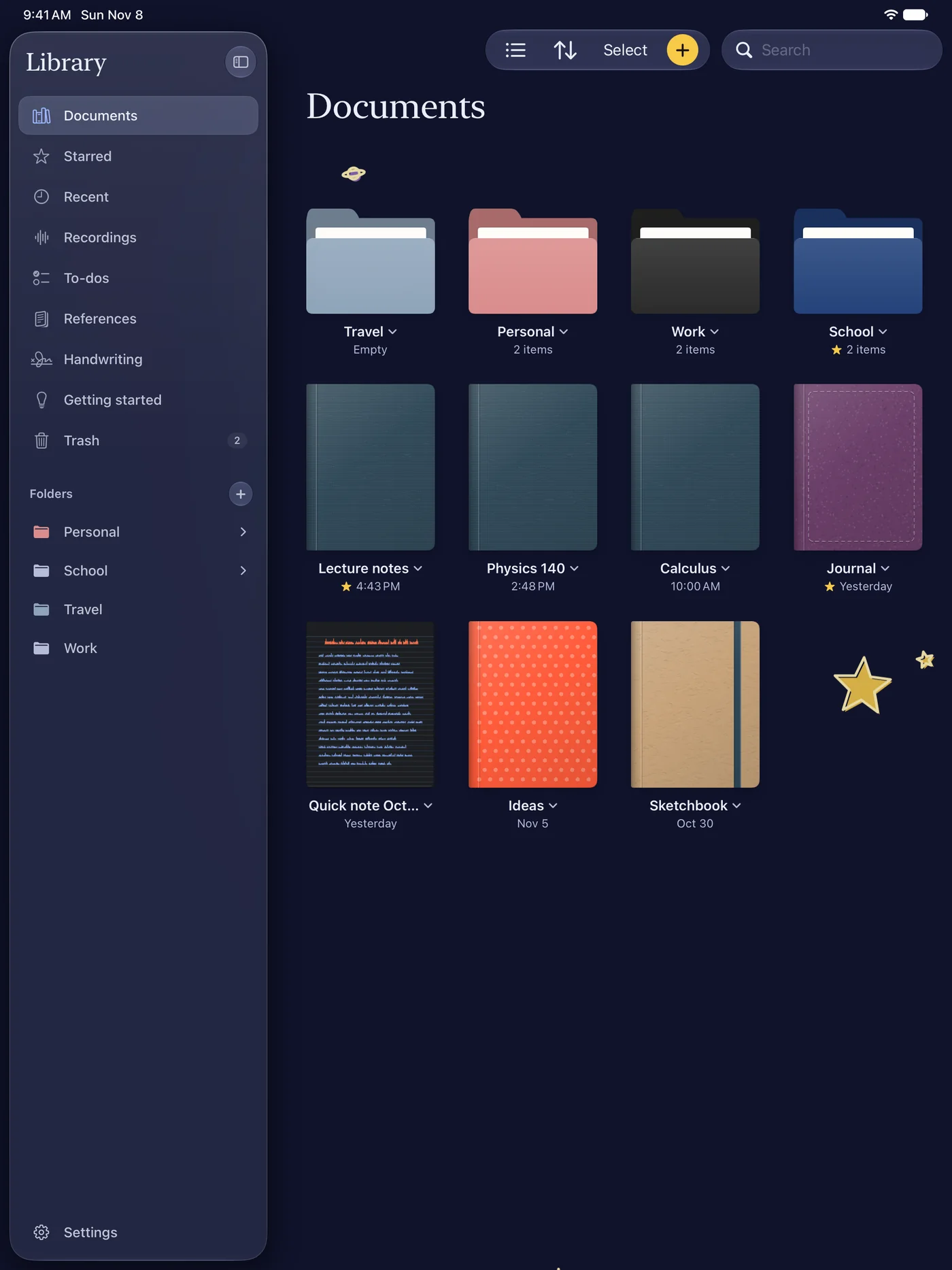
Themes for the whole app, from Classic to Night sky.
What others charge for. Free.
- Unlimited notebooks
With folders, covers and quick notes. No account needed.
Elsewhere: three free - Every template
Ruled, grid, dotted, Cornell, music and planners, on any paper colour.
Elsewhere: a paid extra - Unlimited recording
A whole lecture, written down on your iPad. Tap a line to hear it again.
Elsewhere: minutes, then a plan - Any PDF, any size
Slides, papers and textbooks become notebooks you write on.
Elsewhere: a size limit - Clean exports
PDF, pictures and print, with no watermark.
Elsewhere: watermarked - On the web too
Your notebooks at scriven.io, live, stroke by stroke. 100 MB free.
Elsewhere: the top plan - Whiteboards
An endless board, with mind maps, kanban and timelines to start from.
Elsewhere: counts as a file - Presenting
Smart Camera shows only the page on the TV and follows your pen.
- Search everything
Your handwriting, typed text, PDFs and scans.
More in every notebook.
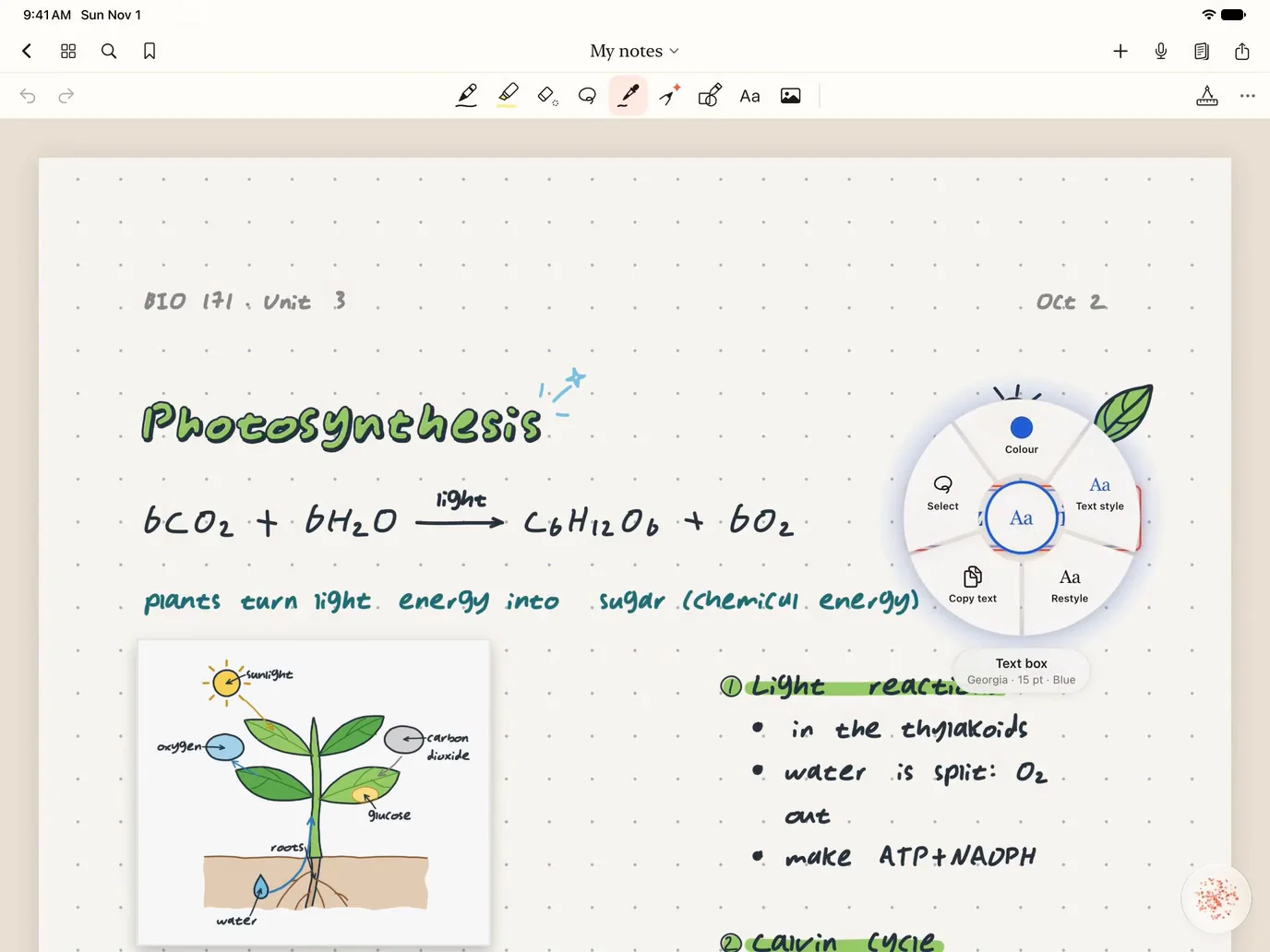
- Stroke PickerTouch anything on the page to work with it.
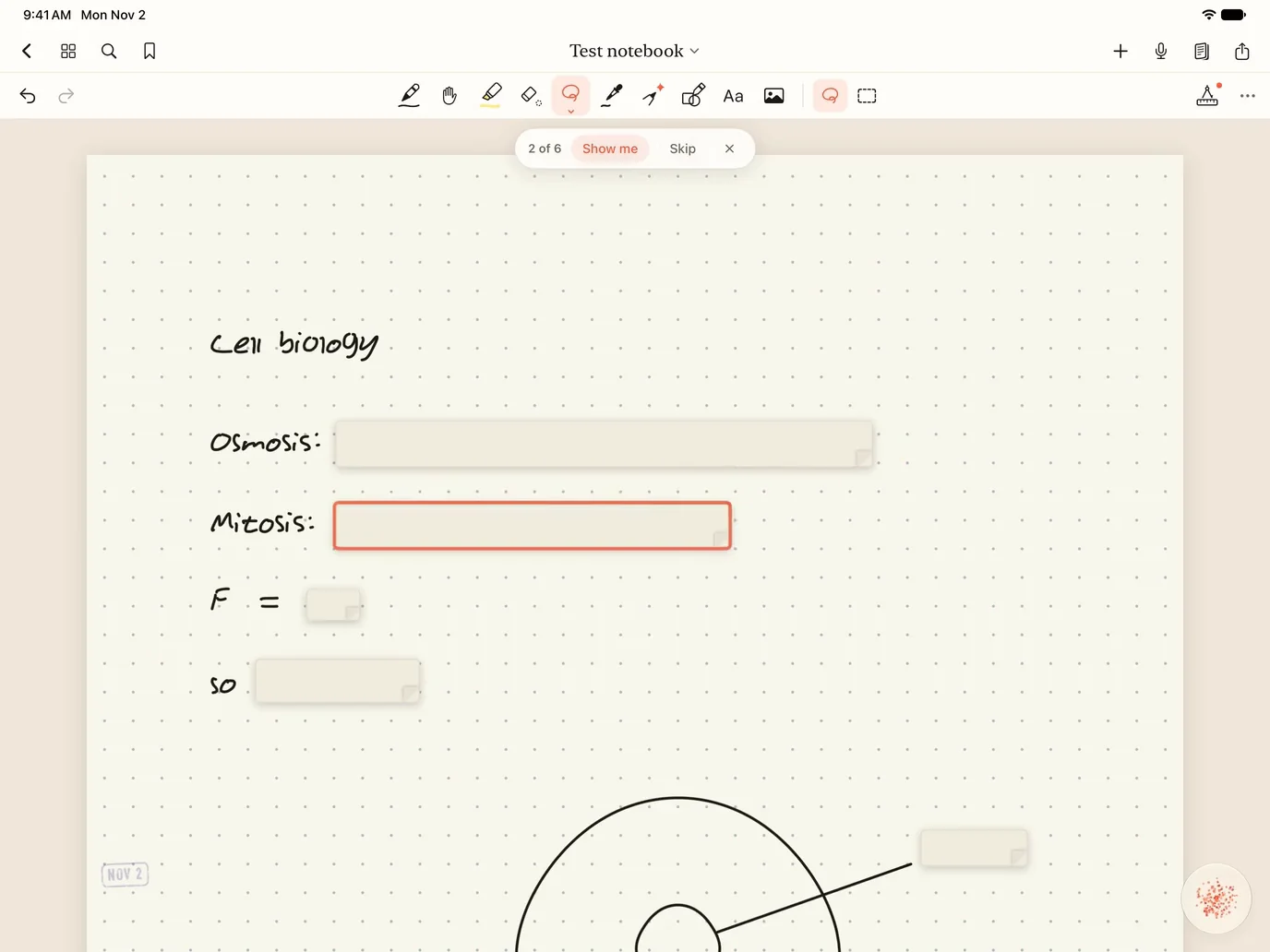
- RecallTurn your own notes into flashcards.
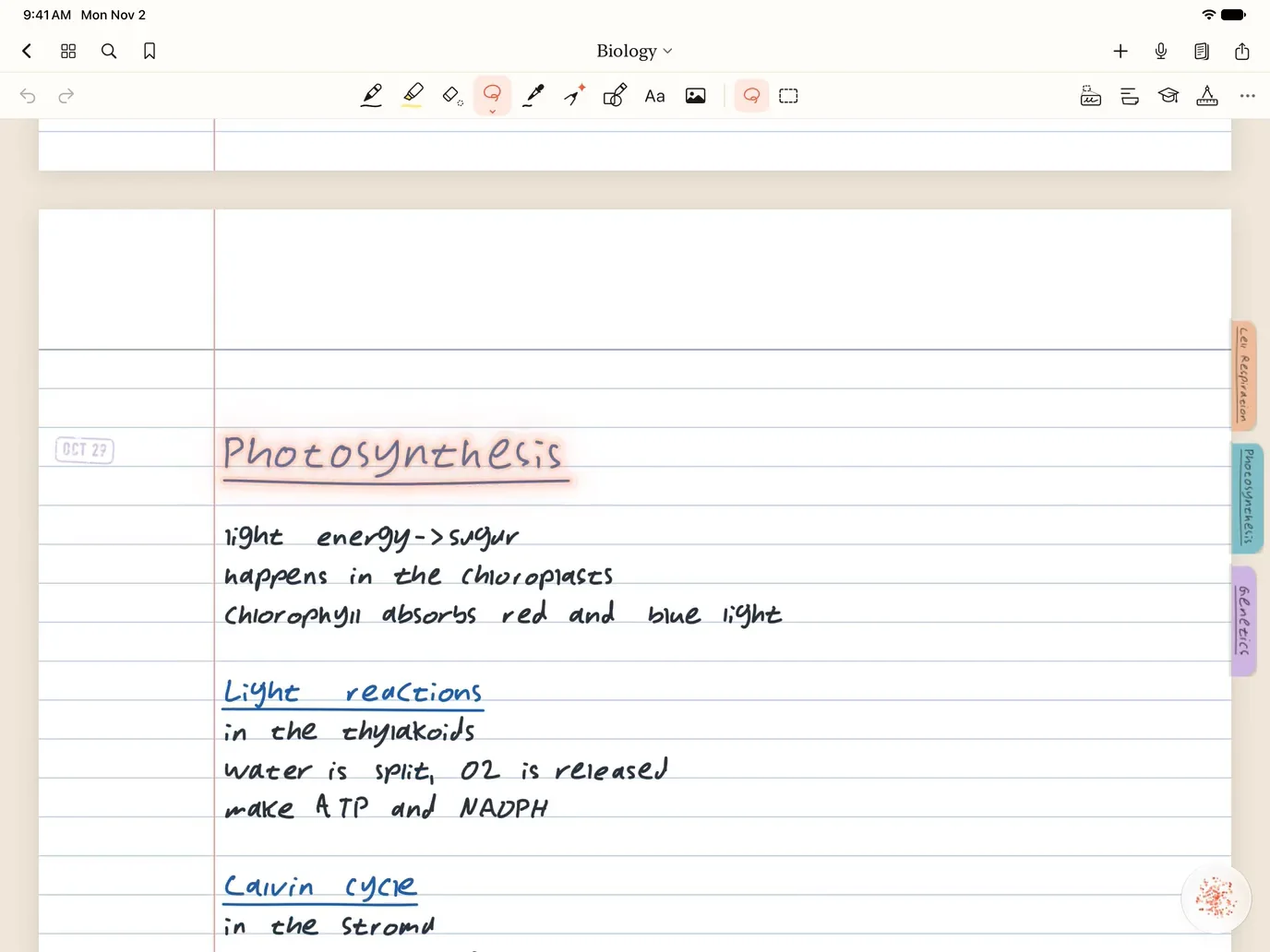
- OrganiseYour notebook keeps itself in order.
- SharingWork in the same notebook together, live.
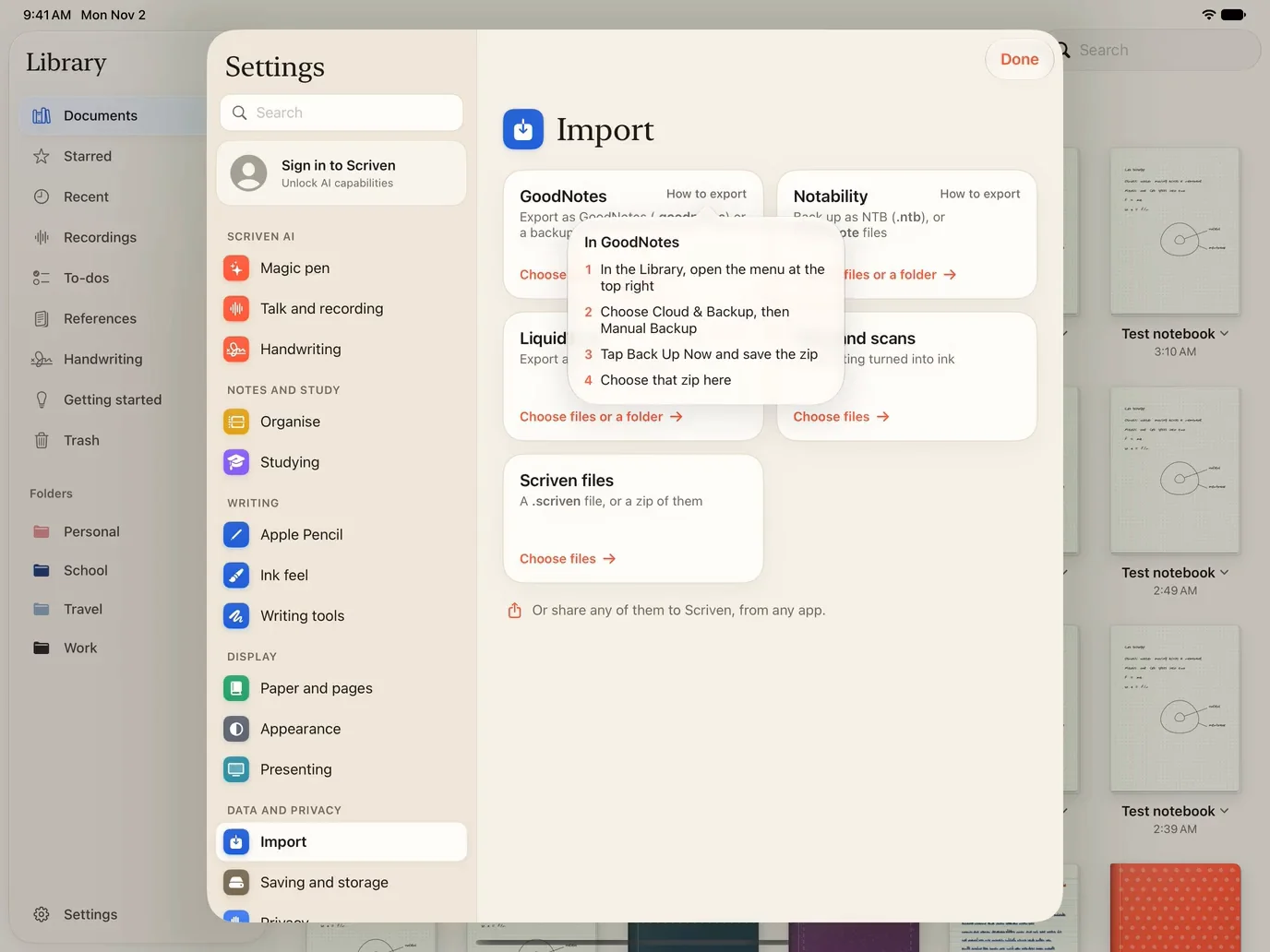
- Bring your notesMove over from GoodNotes, Notability or LiquidText.
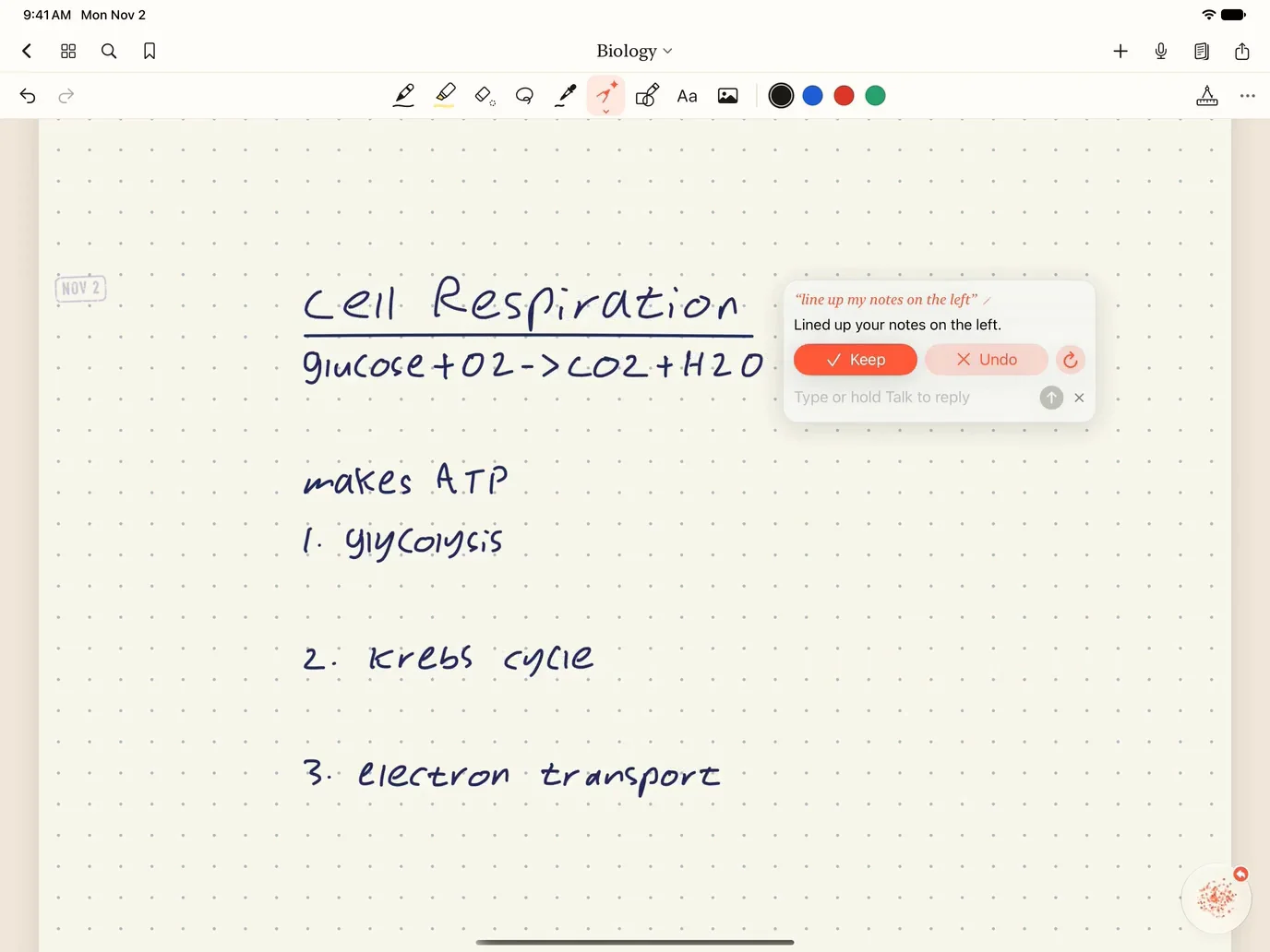
- Magic penMore you can ask for, right on the page.


Scriven for…
Seven subjects, each with its own tour in the app.
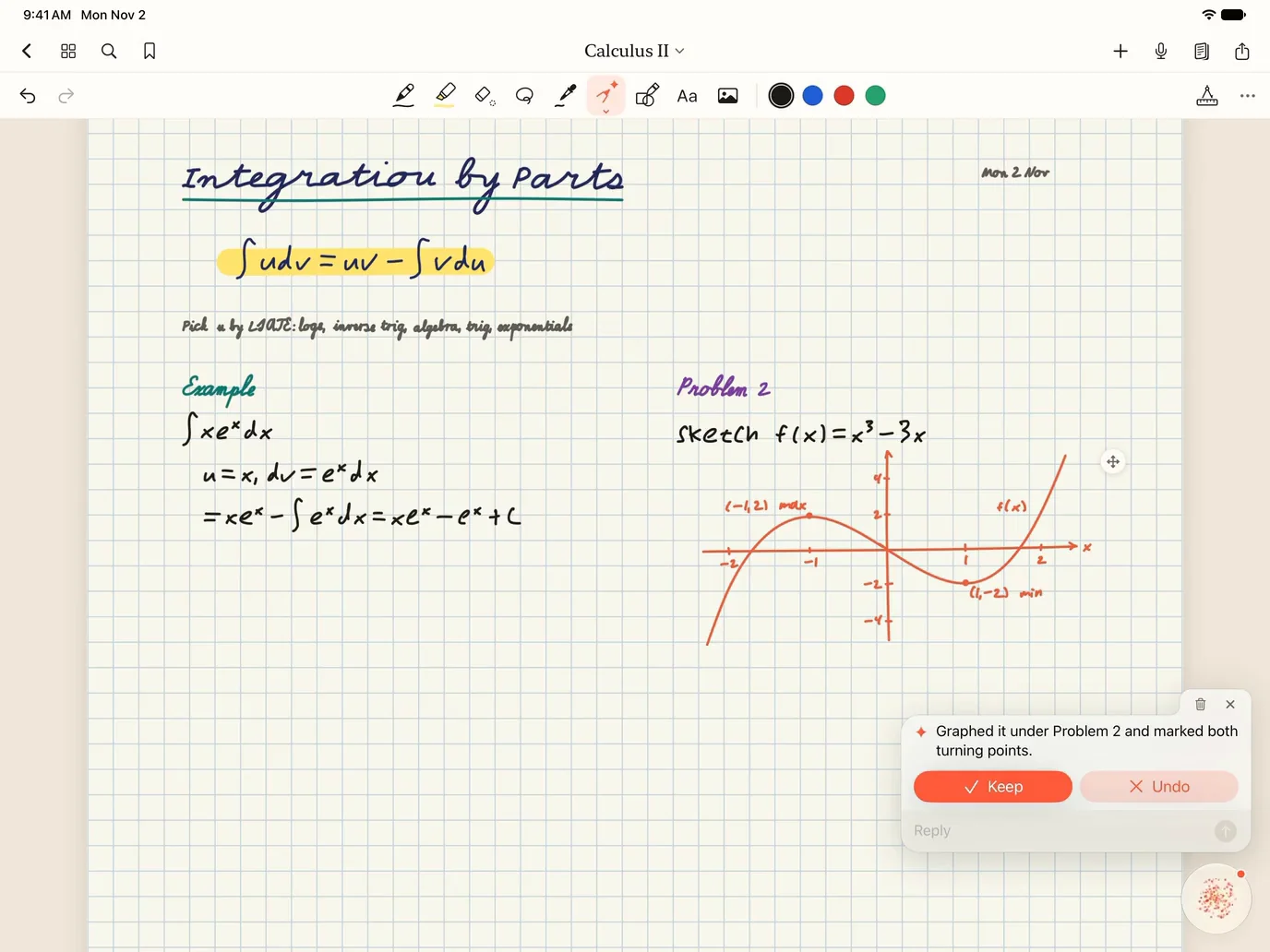
- MathWorked steps, graphs and checks, right on the page.
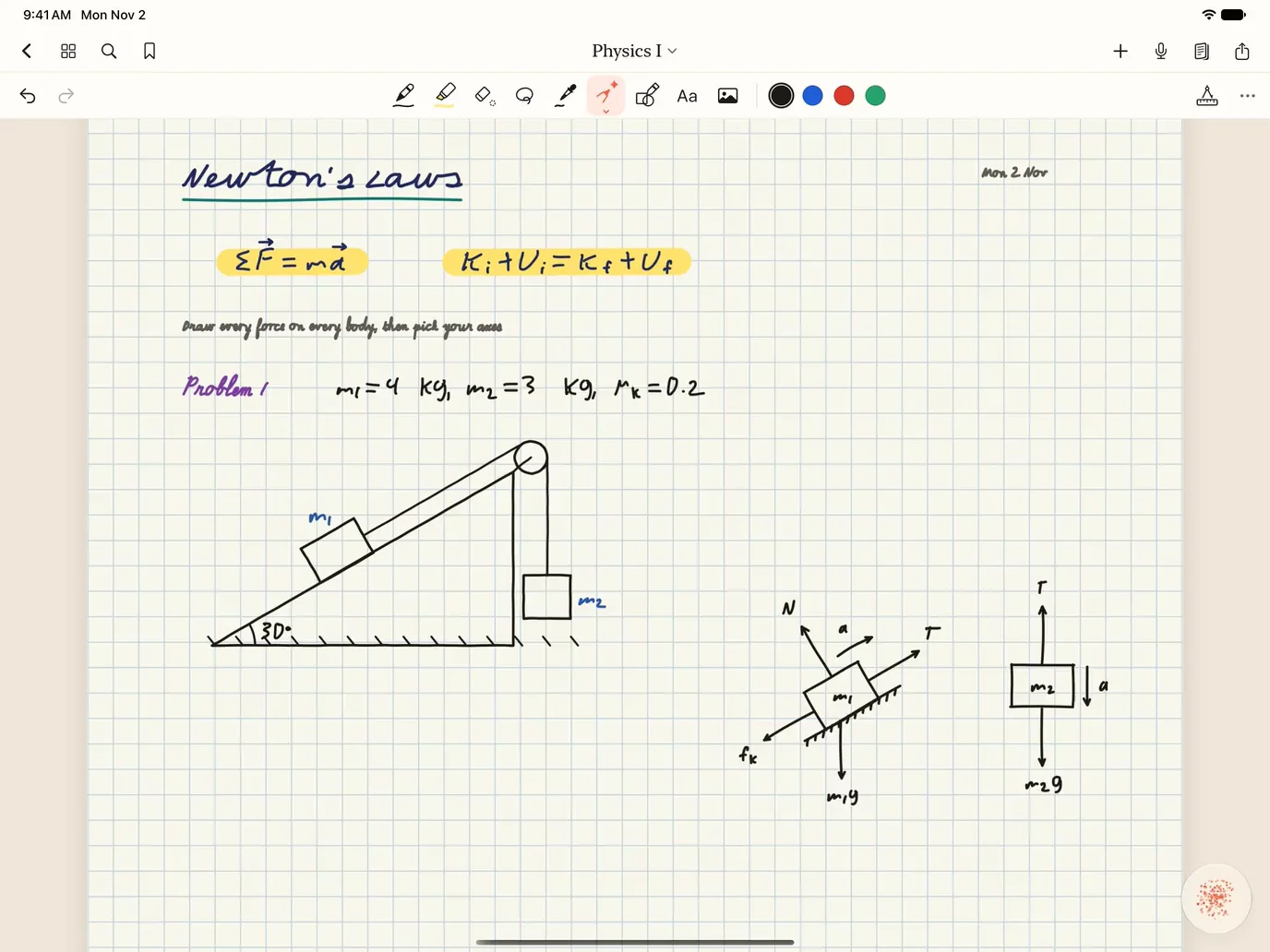
- PhysicsForces, energy and motion, worked out on the page.
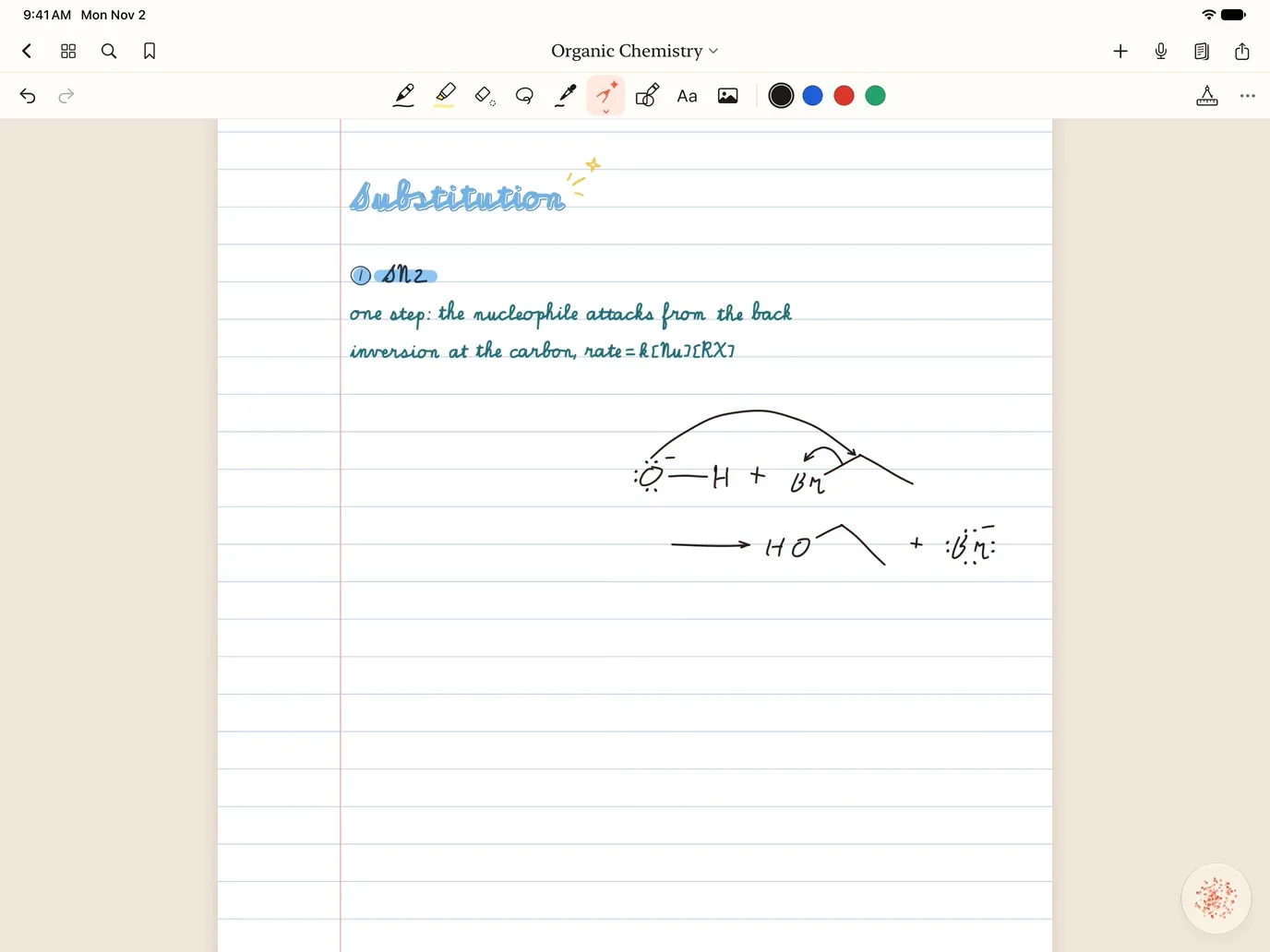
- ChemistryStructures, mechanisms and stoichiometry, by hand.
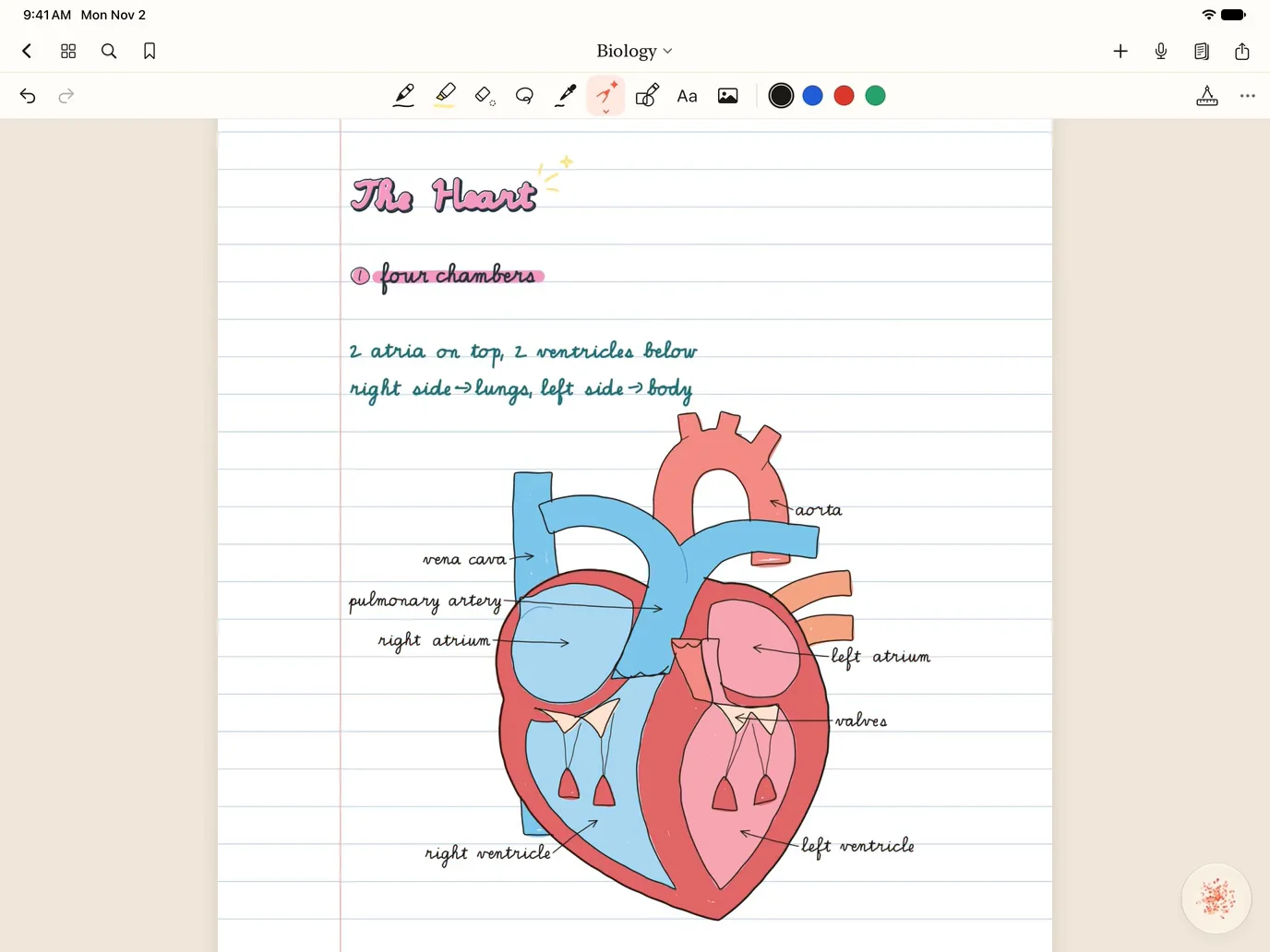
- BiologyLabeled diagrams, processes and crosses, by hand.
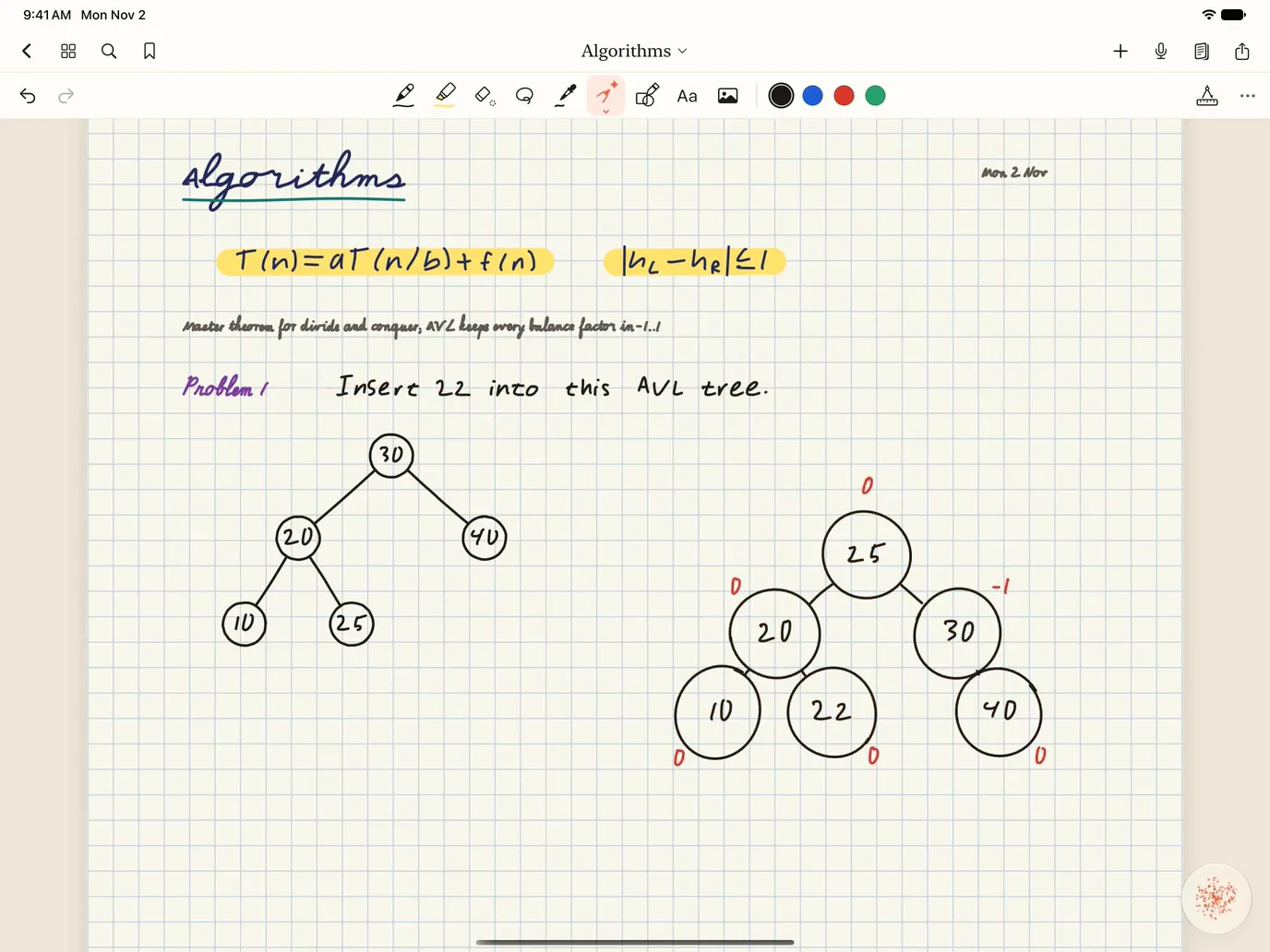
- Computer ScienceTrees, graphs and algorithms, traced on the page.
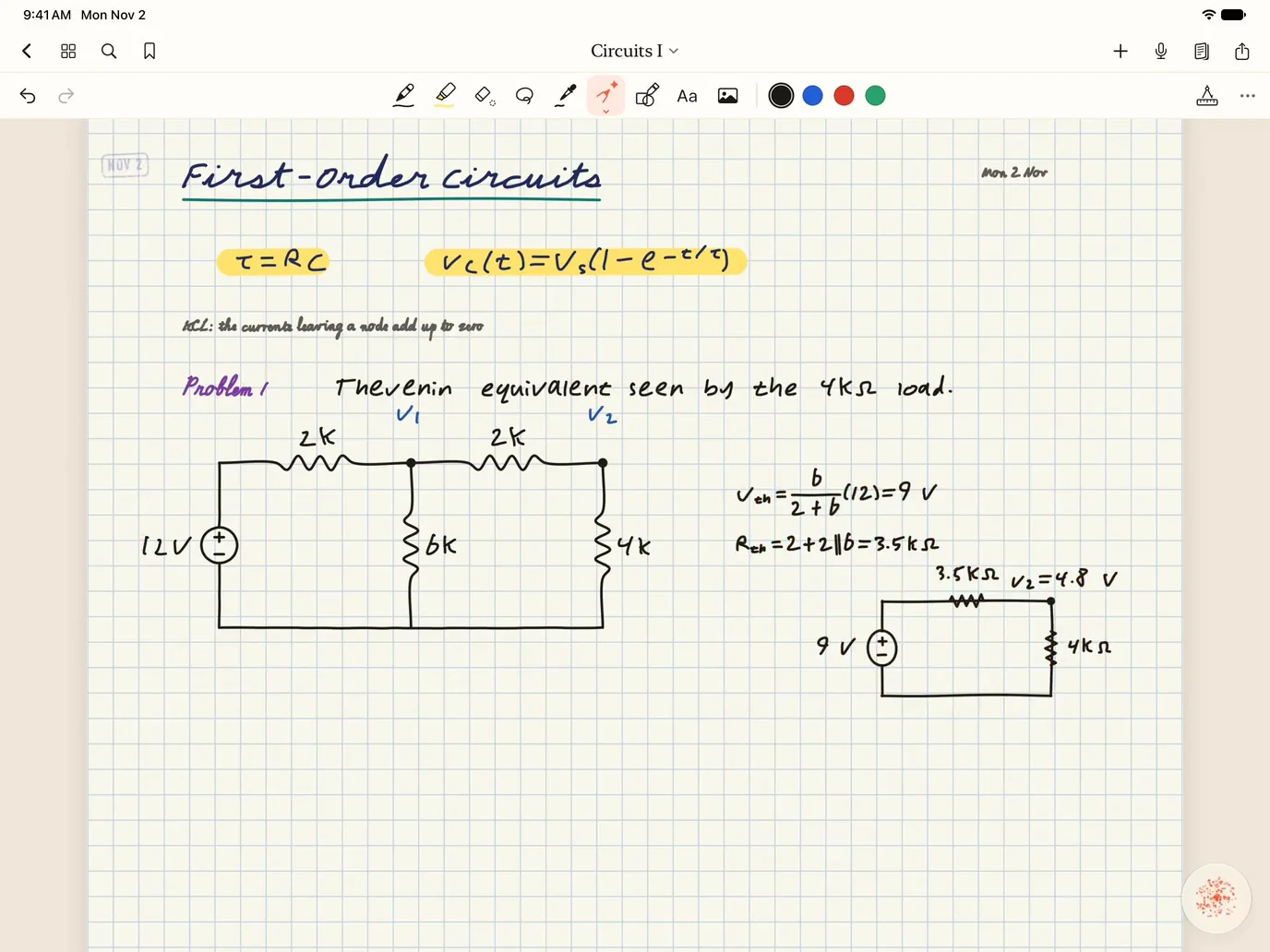
- Electrical EngineeringCircuits drawn, solved and plotted on the page.
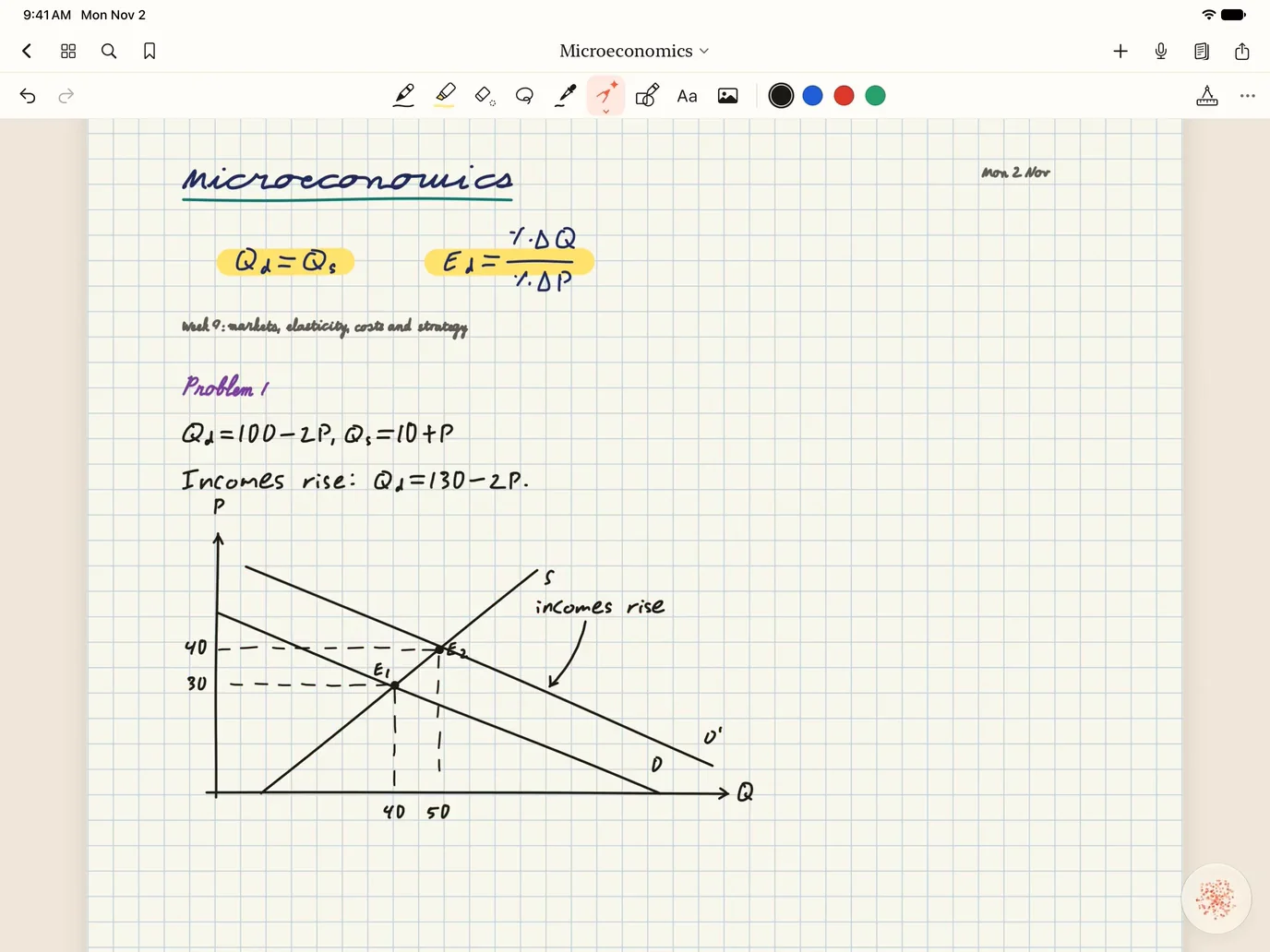
- EconomicsCurves, elasticities and games, worked on the page.


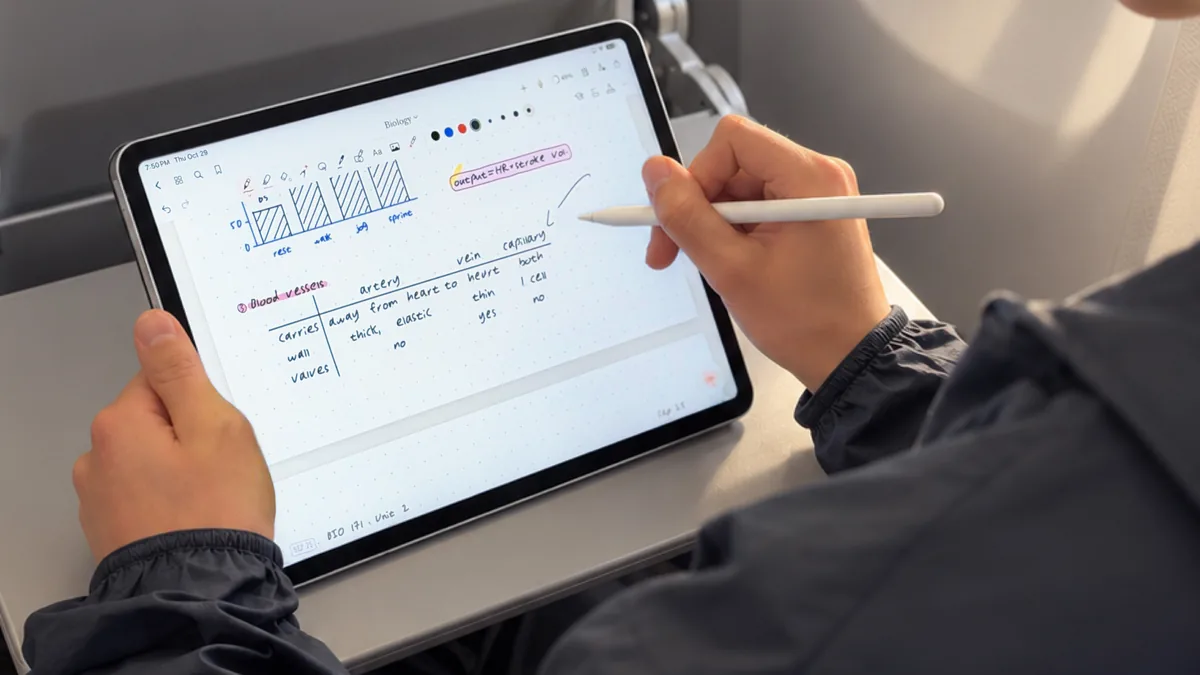
Wherever you write.
On your iPad, and on the web at scriven.io.
Questions
Is Scriven Notes really free?
Yes. Notebooks, templates, PDFs, recordings, whiteboards, search, presenting and exports are free on your iPad, with no limits. You pay only for more of the AI and your own handwriting.
What does the AI do?
It works on your page. Circle something with the Magic pen and write what you want, or hold Talk and say it. It writes steps, graphs and notes by hand, and every change waits for Keep or Undo.
Can it write in my handwriting?
Yes, on a paid plan. It learns your hand as you write, and writes more like you the more you do. Until then it uses one of its own hands.
Can I try the AI for free?
Yes. Sign in and you get 300 credits to start, and the AI on your iPad runs on them.
Can I bring my notes from another app?
Yes. Notebooks from GoodNotes, Notability and LiquidText come in as ink you can edit, and any PDF opens as a notebook.
What do I need?
An iPad. Your notebooks are on the web too, in any browser.
Which pencils work?
Apple Pencil, and the other styluses made for iPad, like Logitech Crayon.
Who can see my notes?
You, and the people you share them with. We don’t sell your data or use it for ads.